AI clipping tools for Roblox clips
AI clipping tools such as OpusClip and Klap cut short clips out of a long video. Prices, watermarks and inputs from each site, and where they fit Roblox.
Updated ·
In short
- An AI clipping tool cuts short vertical clips out of a long video you give it: it picks the moments, reframes them to 9:16 and adds captions. It does not record the game.
- On 23 November 2026 we read five on their own sites: OpusClip, Klap, Vizard, Eklipse and CapCut’s AI Clip Maker.
- OpusClip has a free plan with 60 credits a month and a watermark; Starter is $15 a month. Klap is $29, $79 or $189 a month, and its free try covers one video without downloads.
- For Roblox they fit one case: a long recording or stream you made yourself. A 30-second moment you already recorded has nothing left to cut.
- Recording is a separate job. Roblox’s built-in Captures, OBS Studio, Medal or your phone’s screen recorder do that.
- A paid campaign clip has to be made by you and posted from your own connected account, then submitted within 30 minutes of going live.
What is an AI clipping tool?
An AI clipping tool cuts short clips out of a long video. You give it the video, and it does three things an editor would do by hand:
- Picks the moments. It scans the video and returns a set of short clips.
- Reframes to vertical. It crops the 16:9 picture to 9:16 and tries to keep the subject in frame.
- Adds captions. It transcribes the speech and puts it on screen.
OpusClip describes itself as turning long videos into clips and publishing them to social platforms. Klap says it makes TikToks, Reels and Shorts from long videos in one click. “AI clipping” does not mean recording: each tool below starts from a video that already exists.
Which AI clipping tools are there, and what do they cost?
These are the five we read on 23 November 2026. Every cell comes from the tool's own site on that day. Plans and prices in this market change often, so check the pricing page before you pay.
| Tool | Starts from | Price | Free plan and watermark | Export |
|---|---|---|---|---|
| OpusClip | A video file of up to 10 GB or a YouTube video on the free plan; Pro lists more sources, Twitch among them | Free; Starter $15 a month; Pro $29 a month, or $174 billed yearly | 60 credits a month. Clips have a watermark and can’t be exported after 3 days | MP4 at up to 1080p on the free plan, reframed to 9:16; Pro adds 1:1 and 16:9 |
| Klap | A video file or a YouTube link, up to 3 hours long | $29, $79 or $189 a month billed monthly; half that billed yearly | One video to try, with no card. Downloading or posting its clips needs a paid plan, and paid clips carry no Klap branding | Vertical clips for TikTok, Reels and Shorts |
| Vizard | An uploaded video: up to 60 minutes and 1 GB on the free plan, 10 hours and 30 GB on paid plans | — | 60 credits a month, with a watermark | 720p on the free plan, up to 4K on paid plans |
| Eklipse | A public live stream on Twitch, Kick or YouTube | Premium $24.99 a month; Premium Pro $39.99 a month | — | Vertical 9:16 clips |
| CapCut AI Clip Maker | A video uploaded from the cloud, Google Drive or Dropbox | — | Its page says the clips come without watermarks | Resized from 16:9 to 9:16 |
— means the tool's own page did not say, or did not show it, when we read it. Vizard's pricing page names a free plan and paid Creator and Business plans, but loads the paid prices in the browser, so we do not quote them. CapCut's page links to a separate pricing page. Sources: OpusClip, OpusClip pricing, Klap, Klap pricing, Vizard, Vizard pricing, Eklipse pricing, Eklipse help: Roblox streams, CapCut AI Clip Maker.
What the free plans leave out
- OpusClip: the free plan's clips have a watermark, there is no editing, and after 3 days the clips can no longer be exported. Starter ($15 a month, 150 credits) removes the watermark and can post straight to YouTube Shorts, TikTok and Instagram Reels. Its pricing page does not say what one credit buys.
- Klap: there is no free plan, only a free try on one video. You can preview and edit those clips, but not download or post them.
- Vizard: the free plan exports at 720p with a watermark, and stored videos expire after 3 days.
- Eklipse: its pricing page gives two paid prices and a free sign-up, and says nothing about a free plan's limits or about watermarks.
Do AI clipping tools work for Roblox gameplay?
Only when you have a long video of your own to cut down. That is the honest fit, and it rules out most Roblox clips, which start as one short moment. Four things decide it:
- You need a long recording first. Every tool above starts from a file, a link or a public stream. If you record a full session or stream Roblox for an hour, there is something to cut. If you already saved the 30 seconds that mattered, there is not.
- Speech helps the software. OpusClip's plan table lists clipping by spoken words on the free plan, and adds clipping by visual objects, sound and emotion on paid plans. A silent gameplay recording gives a speech-based tool little to go on, so talk while you play or expect to pick the moments yourself.
- Some tools are built for games. OpusClip says its ClipAnything model handles any genre and names gaming. Klap lists a Gaming layout in its reframing. Eklipse is made for stream highlights and has a help page for Roblox streams: it says the stream has to be public, and that it reads the game's on-screen display to find moments, so a facecam or alert that covers it can make it miss them.
- You still check every clip. The software chooses where a clip starts and ends. Watch each one, and trim it so the hook is in the first two seconds and the game is clear on screen.
For a single moment, a free editor is faster and costs nothing. The best editing apps for Roblox clips compares six of them by device, price and watermark.
What is the best Roblox clipping software?
It depends which job you mean, because “clipping software” covers three: recording the game, editing the recording, and cutting clips out of a long video. A campaign clip needs the first two. The third is optional.
| Job | Software | Our guide |
|---|---|---|
| Record the game | Roblox's built-in Captures (up to 30 seconds, without game sound), OBS Studio (free and open source), Medal (a hotkey saves what just happened), or the phone's own screen recorder | How to record Roblox clips, and on a phone or iPad |
| Edit to a vertical clip | CapCut (it has a free plan) or DaVinci Resolve (it has a free version) | Best editing apps for Roblox clips |
| Cut clips from a long video | OpusClip, Klap, Vizard, Eklipse or CapCut's AI Clip Maker | This page |
From each maker's own page, read on 23 November 2026: Roblox Help: video captures, OBS Studio, Medal, CapCut pricing, DaVinci Resolve.
Start with a recorder and a free editor. Add an AI clipping tool only if you already make long videos or streams and cutting them by hand is what slows you down.
Can you use an AI clipping tool on a paid campaign?
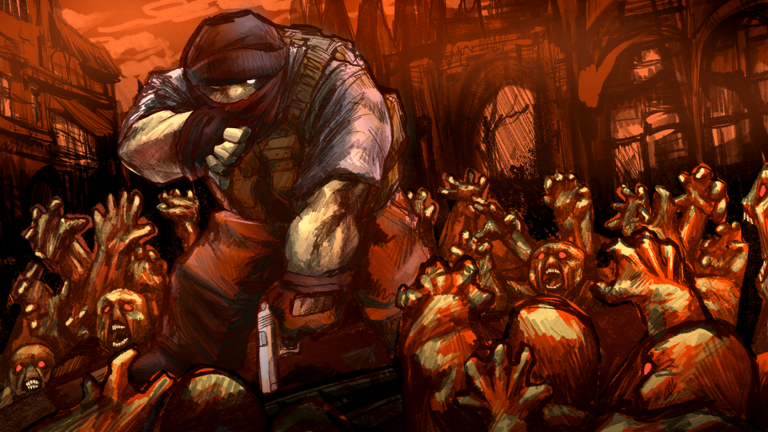
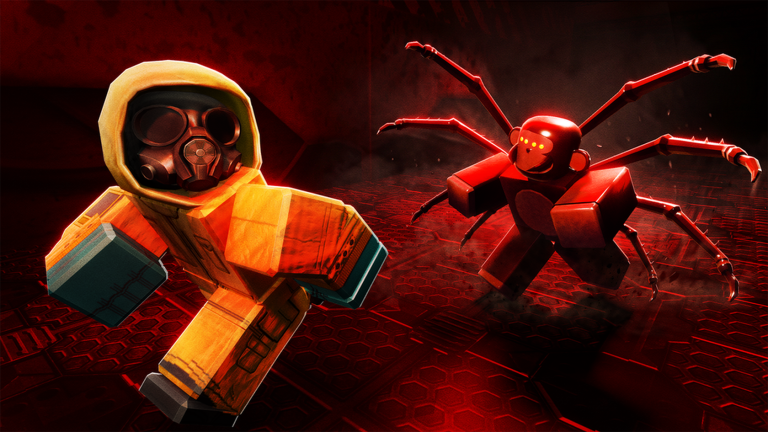
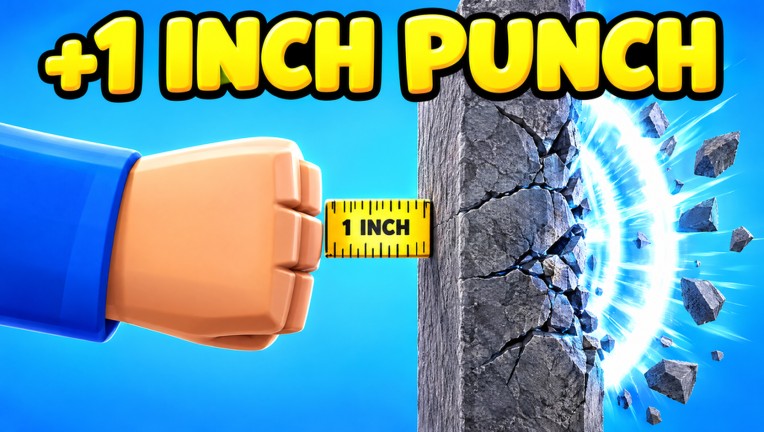
Yes, as long as the gameplay is yours and the clip goes up on your own account. On 23 November 2026, MetaClip had 5 open Roblox clipping campaigns paying $1.00 to $1.00 per 1,000 views: OUTBREAK (1.9M+ verified views so far), Monkey Madness (1.4M+ verified views so far), +1 Inch PUNCH (574K+ verified views so far), Pizza Shop (443K+ verified views so far). The tool you edit with is your choice; these rules are not:
- The clip has to be made by you. MetaClip's terms say a clip must be “made by you”, and list submitting someone else's clip under what you must not do. Pasting another creator's video link into a clipping tool does not make the result yours.
- Post it from your own connected account. A clip counts only when it is public on a TikTok, Instagram or YouTube account you connected, on a platform the campaign accepts, and posted after the campaign started.
- Submit within 30 minutes of posting (24 hours for your very first clip). If the tool posts for you on a schedule, be there when it goes live.
- Check for a watermark. OpusClip's and Vizard's free plans put one on the clip. Read the campaign brief first, because a studio can reject a clip that misses a requirement.
- Label it as an ad. Turn on the platform's paid partnership setting and add #ad. FTC disclosure for paid Roblox clips has the rules.
How it works shows the steps from connecting an account to getting paid, what is clip farming? covers when cutting clips from long videos is allowed, and you can sign up to see each open campaign's brief.
Questions, answered
What is AI clipping?
Software that cuts short vertical clips out of a long video. You give it a file, a link or a stream; it picks moments, reframes them to 9:16 and adds captions. OpusClip, Klap, Vizard and Eklipse are examples.
Is OpusClip free?
It has a free plan. On 23 November 2026 OpusClip’s pricing page listed 60 credits a month on it, clips with a watermark that can’t be exported after 3 days, and a Starter plan at $15 a month that removes the watermark.
How much does Klap cost?
On 23 November 2026 Klap’s pricing page listed $29, $79 or $189 a month billed monthly, and half that billed yearly. You can try it on one video with no card, but downloading or posting the clips needs a paid plan.
What is the best Roblox clipping software?
It depends on the job. To record: Roblox’s built-in Captures, OBS Studio, Medal or your phone’s screen recorder. To edit: a free editor such as CapCut. An AI clipping tool only helps when you have a long recording or stream to cut down.
Can an AI clipping tool record Roblox?
No. Each tool we read starts from a video that already exists: an uploaded file, a link or a public stream. Record the game first with Captures, OBS Studio, Medal or a screen recorder.
Can you use AI-cut clips on a paid Roblox campaign?
Yes, if the footage is your own gameplay and you post the clip from your own connected account. MetaClip’s terms say a clip must be made by you, and submitting someone else’s clip is not allowed. Submit within 30 minutes of posting.