Best editing apps for Roblox clips
The best video editing software for Roblox clips, compared on devices, price and watermarks, plus the export settings for TikTok, YouTube Shorts and Reels.
Updated ·
In short
- On 23 November 2026, the free picks for Roblox clips were CapCut (phone, tablet, Windows, Mac and browser) and DaVinci Resolve (Mac, Windows and Linux), plus YouTube Create and Instagram’s Edits on a phone.
- CapCut exports usually carry no watermark once you delete its default ending clip. Medal’s free downloads do carry one, which Medal Premium removes.
- Adobe Premiere is paid after a 7-day free trial. Nothing in a 30-second Roblox clip needs it.
- Export once at 9:16, 1080×1920 and 30 fps or more, under three minutes, and the same file fits TikTok, YouTube Shorts and Instagram Reels.
- YouTube treats any square or vertical upload of up to three minutes as a Short, so making a Roblox Short is an export setting, not a separate tool.
- For a paid campaign clip, finish editing before you post: on MetaClip a clip is submitted within 30 minutes of going live.
Which editing apps work for Roblox clips?
A Roblox clip is 15 to 60 seconds of gameplay, cropped to vertical, with a caption. Any editor here does that. They differ in where they run, what they cost and whether the export carries a watermark, so those are the columns. Every cell comes from the app's own site, read on 23 November 2026.
| App | Runs on | Price | Watermark on export | Vertical and social export |
|---|---|---|---|---|
| CapCut | Browser, Windows, macOS, iOS and Android, plus a tablet app for iPad and Android | Free plan; Pro is paid | Usually none. It comes from the default ending clip or a template element, which you delete before exporting | Change the aspect ratio freely |
| DaVinci Resolve | Mac, Windows and Linux | Free; Studio is $295 | — | Quick export presets for TikTok and YouTube |
| Adobe Premiere | Windows and macOS, plus a mobile app | Paid, after a 7-day free trial; the mobile app is free | — | Auto Reframe changes a sequence’s aspect ratio; exports straight to TikTok and YouTube |
| Medal | Windows 10 or later, iOS and Android | Free; Premium is optional | Yes on free downloads; Premium removes it | — |
| YouTube Create | Android phones with at least 4 GB of RAM; iPhone XR and newer on iOS 17 or later | Free, without ads | — | Edits Shorts as well as long videos |
| Edits (by Instagram) | Android, iPhone and Mac | — | — | Shares straight to Instagram as a reel |
— means the app's own site did not say when we read it, so we left it blank. Sources: CapCut Desktop, CapCut for iPad, CapCut pricing, CapCut help centre, CapCut help: watermarks, DaVinci Resolve, DaVinci Resolve: Cut page, Premiere free trial, Premiere system requirements, Premiere: Auto Reframe, Premiere: export video, Medal, Medal Premium, Medal Editor, YouTube Help: YouTube Create, YouTube Create locations, Instagram Help: About Edits, Instagram Help: download from Edits.
TikTok also has an editor inside the app. TikTok's Creator Academy describes it as a way to rearrange, trim and swap sections of a video without leaving TikTok, with text, voiceover and effects on top.
Which one should you pick?
On a phone
Start with CapCut: the free plan covers basic editing, and the app has automatic captions. If you post mostly to one platform, its own app is free too. YouTube Create runs on Android phones with at least 4 GB of RAM and on iPhone XR and newer, and Edits runs on Android and iPhone and shares straight to Instagram as a reel.
On a Windows PC
CapCut Desktop runs on Windows 7 or later, with Windows 10 recommended. Move to DaVinci Resolve when you want more control: its free version edits up to 60 fps at up to Ultra HD. Medal is the pick if you want recording and trimming in one app, since a hotkey saves what just happened and the built-in editor trims it. Its free downloads carry a watermark, so check the campaign brief before you post one.
On a Mac
CapCut Desktop (macOS 10.14 or later), DaVinci Resolve and Edits all run on a Mac. Premiere does too, but it is paid after the trial, and it is worth it only if you already use Adobe's apps.
On an iPad
CapCut has a tablet app for iPad and Android tablets. YouTube Create and Edits do not list iPad. Medal's iOS app lists iPadOS 17 or later, for trimming and sharing clips you already recorded.
Which export settings work on TikTok, Shorts and Reels?
| Platform | Shape | Length | Also |
|---|---|---|---|
| TikTok | Fill the screen: 9:16 for vertical, with no blurred bars | — | Creator Rewards only counts videos over one minute |
| YouTube Shorts | Square or vertical | Up to three minutes | Shorts upload at up to 1080p |
| Instagram Reels | Between 1.91:1 and 9:16 | Up to 20 minutes; over 3 minutes is not recommended to new audiences | At least 30 fps and 720 pixels |
From each platform's own help pages, read on 23 November 2026: TikTok Creator Academy: fill the screen, YouTube Help: three-minute Shorts, Instagram Help: reel size and aspect ratios, TikTok Creator Academy: editing, TikTok Creator Rewards Program, YouTube Help: getting started with Shorts, YouTube Help: upload Shorts, Instagram Help: record a reel, Medal mobile.
One export fits all three: 9:16 at 1080×1920, 30 fps or more, under three minutes. Crop into the gameplay until it fills the frame. For gaming, TikTok suggests a split screen when you want your face in shot: you on top, the gameplay below.
How do you make a Roblox YouTube Short or TikTok?
- Record the gameplay. How to record Roblox clips covers OBS, phone recording and the Roblox settings that help.
- Start a 9:16 project and crop around the action, following it as it moves.
- Cut straight to the moment. Remove everything before the hook and after the payoff.
- Add captions, automatic or a single line that sets up what is about to happen.
- Export at 1080×1920.
- Upload. On YouTube, a square or vertical video of up to three minutes is categorised as a Short on its own, from the app or from YouTube Studio on a computer. On TikTok and Instagram, upload the same file.
For the recording and upload steps on each device, including iPad, see how to make Roblox YouTube Shorts.
What changes when a studio is paying for the clip?
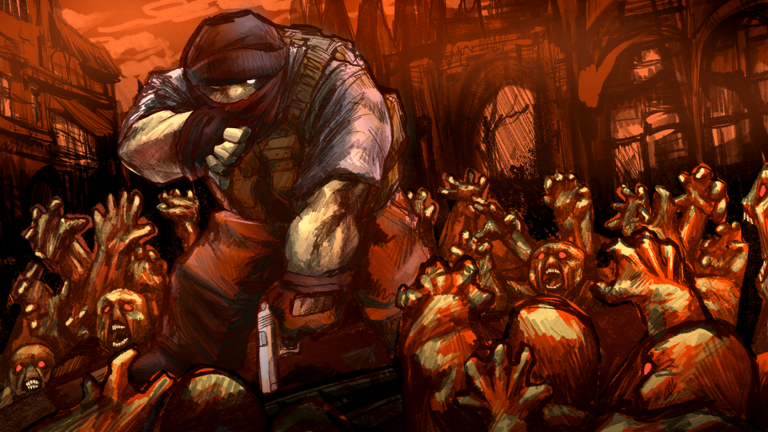
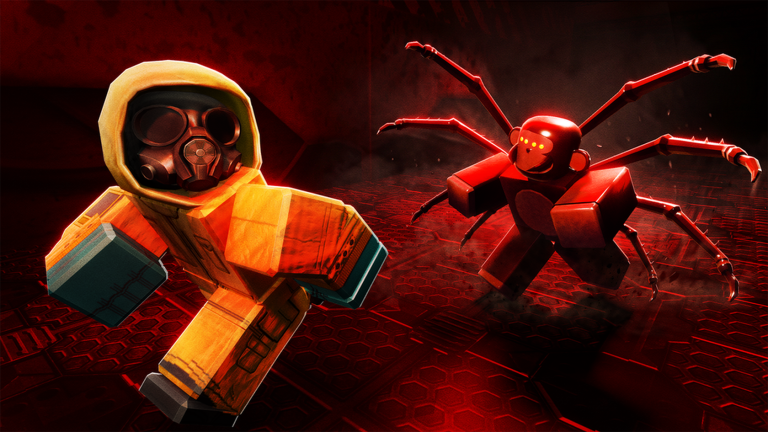
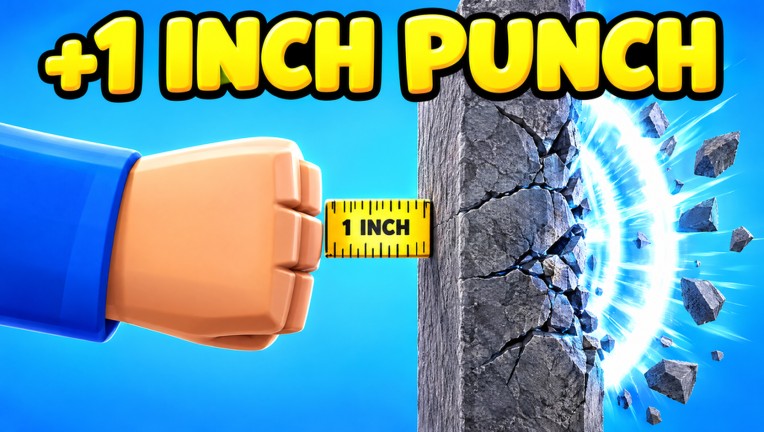
The edit is the same; the order of work is not. On 23 November 2026, MetaClip had 5 open Roblox clipping campaigns paying $1.00 to $1.00 per 1,000 views: OUTBREAK (1.9M+ verified views so far), Monkey Madness (1.4M+ verified views so far), +1 Inch PUNCH (574K+ verified views so far), Pizza Shop (443K+ verified views so far). On a campaign like these:
- Finish editing before you post. A clip is submitted within 30 minutes of going live (24 hours for your very first clip), so there is no time to fix it afterwards.
- Keep the game in the clip. An approved clip has to stay public and unchanged while it is tracked, and editing the game out stops its earnings.
- Label it as an ad. Turn on the platform's paid partnership setting and add #ad.
- Read the brief first. A studio can require a sound, a caption or a language, and a clip that misses a requirement can be rejected.
Roblox clipping, explained covers the first paid clip, and why clip views don't count lists what gets one turned away.
Questions, answered
What is the best video editing software for Roblox?
For short clips, CapCut: it has a free plan and runs in a browser and on Windows, macOS, iOS, Android and tablets. For longer edits on a computer, DaVinci Resolve is free on Mac, Windows and Linux.
What is the best free editing app for Roblox clips?
On a phone, CapCut, YouTube Create or Instagram’s Edits. YouTube describes YouTube Create as free of charge and without ads. On a computer, CapCut Desktop or the free version of DaVinci Resolve.
Does CapCut put a watermark on videos?
Usually not on the export itself. CapCut’s help centre says the watermark comes from a default ending clip or a template element, and that deleting it gives a clean video (read 23 November 2026).
How do you make Roblox YouTube Shorts?
Record the gameplay, crop it to a vertical 9:16 frame, cut it to under three minutes and upload it. YouTube categorises any square or vertical upload of up to three minutes as a Short.
What size should a Roblox TikTok be?
9:16 vertical, exported at 1080×1920. TikTok’s Creator Academy says to fill the whole screen and avoid blurred bars above and below the gameplay.
How long can a Roblox Short or Reel be?
A YouTube Short can be up to three minutes. An Instagram reel can be up to 20 minutes, but Instagram does not recommend reels over 3 minutes to new audiences. For a Roblox clip, aim for 15 to 60 seconds.
Can you edit Roblox videos on an iPad?
Yes. CapCut has a tablet app for iPad and Android tablets. YouTube Create and Edits list phones (and Mac, for Edits) but not iPad.